


A Keon 2, made for Wild Life
690 numbered Collector's Editions, made with AdeptusSteve and the team. Original CuteSexyRobutts artwork on the device and the box. Inside the box: a Feel Maya stroker — shaped from the character, limited and numbered with the set.
The Collector's Edition
A Keon 2 — Kiiroo's flagship stroker, years in the making — finished in Wild Life livery with original Maya artwork by CuteSexyRobutts on the device and on the box. Inside the box: a Feel Maya stroker shaped from the character, the numbered authenticity plate, and the usual cables. 690 will be made. Then no more.


The Story
How this came together
Wild Life has spent years building one of the most detailed animation pipelines in adult gaming — sandbox, scene editor, full character roster, the whole stack. The Keon 2 follows stroke action on screen, frame for frame. Putting those two things in one box was the obvious move; making it actually feel like one thing took the work.
The Wild Life finish, the artwork, the Feel Maya stroker, the on-screen sync — every part of this Collector's Edition was built with the team behind the game.
Numbered and built right
Each Keon 2 in this run carries its own edition number — yours out of 690 — on the device itself and on an engraved metal plate in the box. The Feel Maya stroker is numbered and limited within the same run. Every unit runs through Kiiroo QA before it ships, with a Collector's-Edition pass added on top.
Limited Edition
690 worldwide. When they're gone, that's the run. Future Wild Life × Kiiroo drops will exist — different products, different numbers, different finishes — but this exact set won't be made again.

What's in the box
A complete matched set, sealed at the factory.
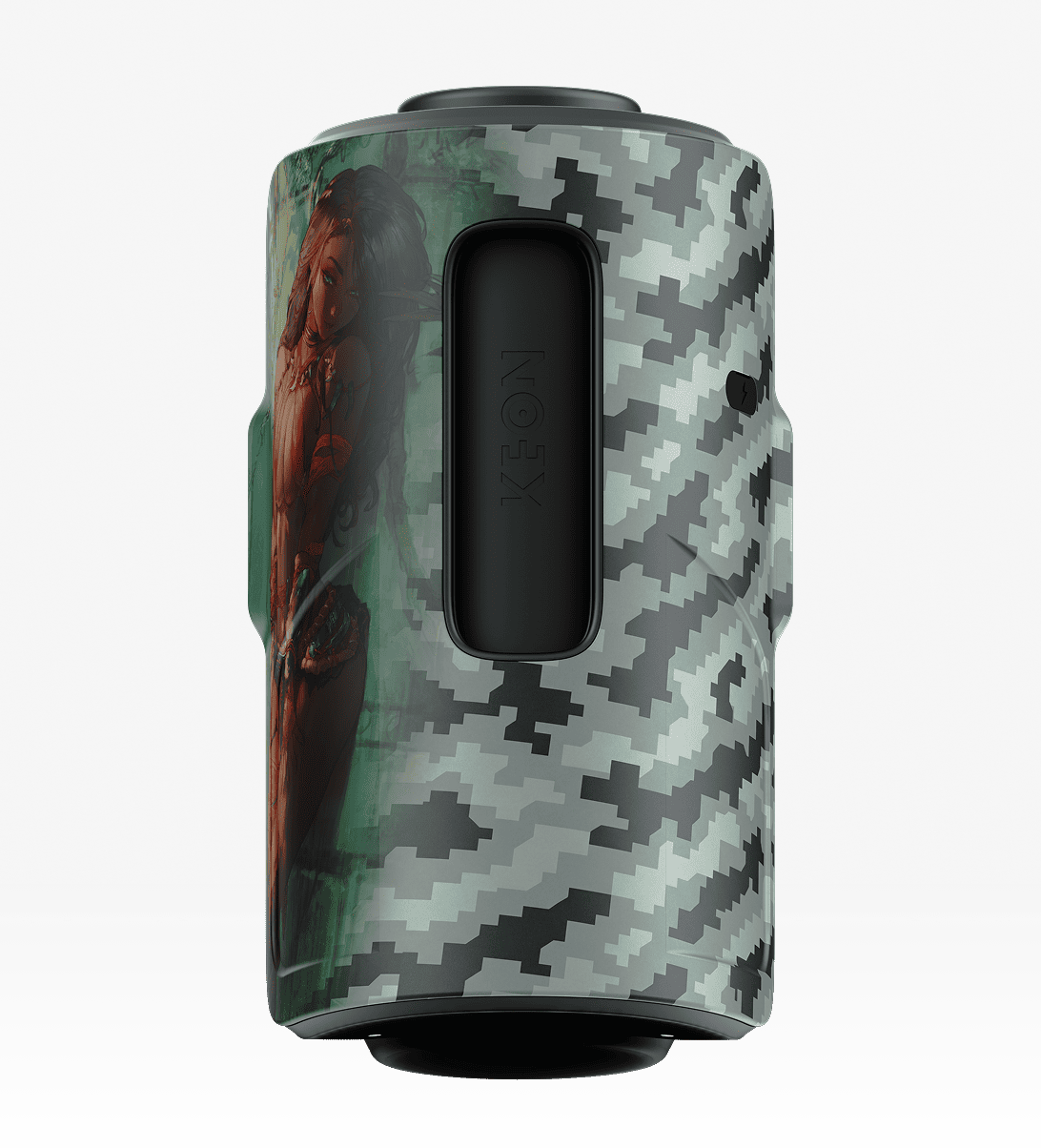
Keon 2 in the Wild Life finish — numbered 001 to 690
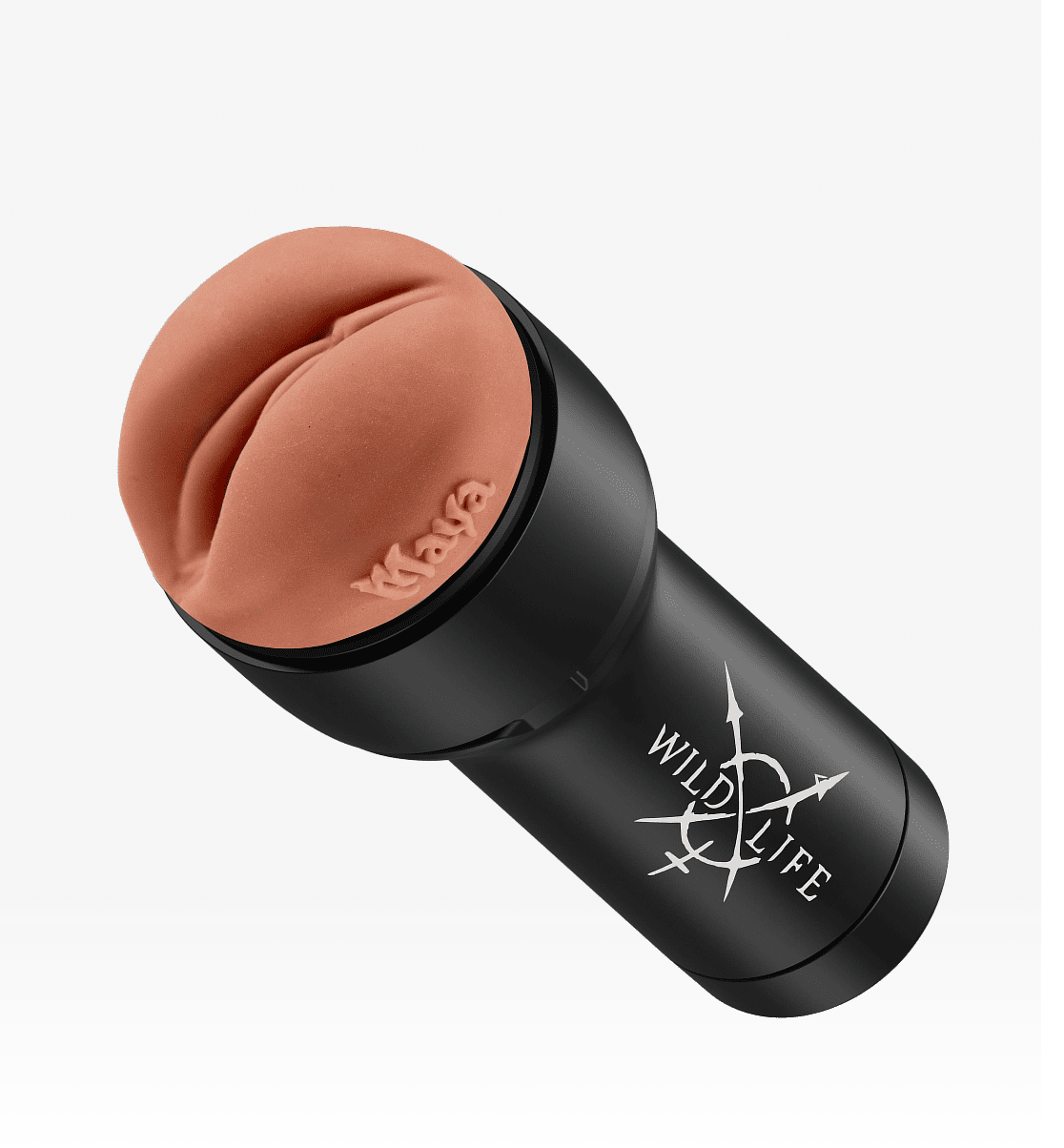
Feel Maya stroker — limited edition, numbered
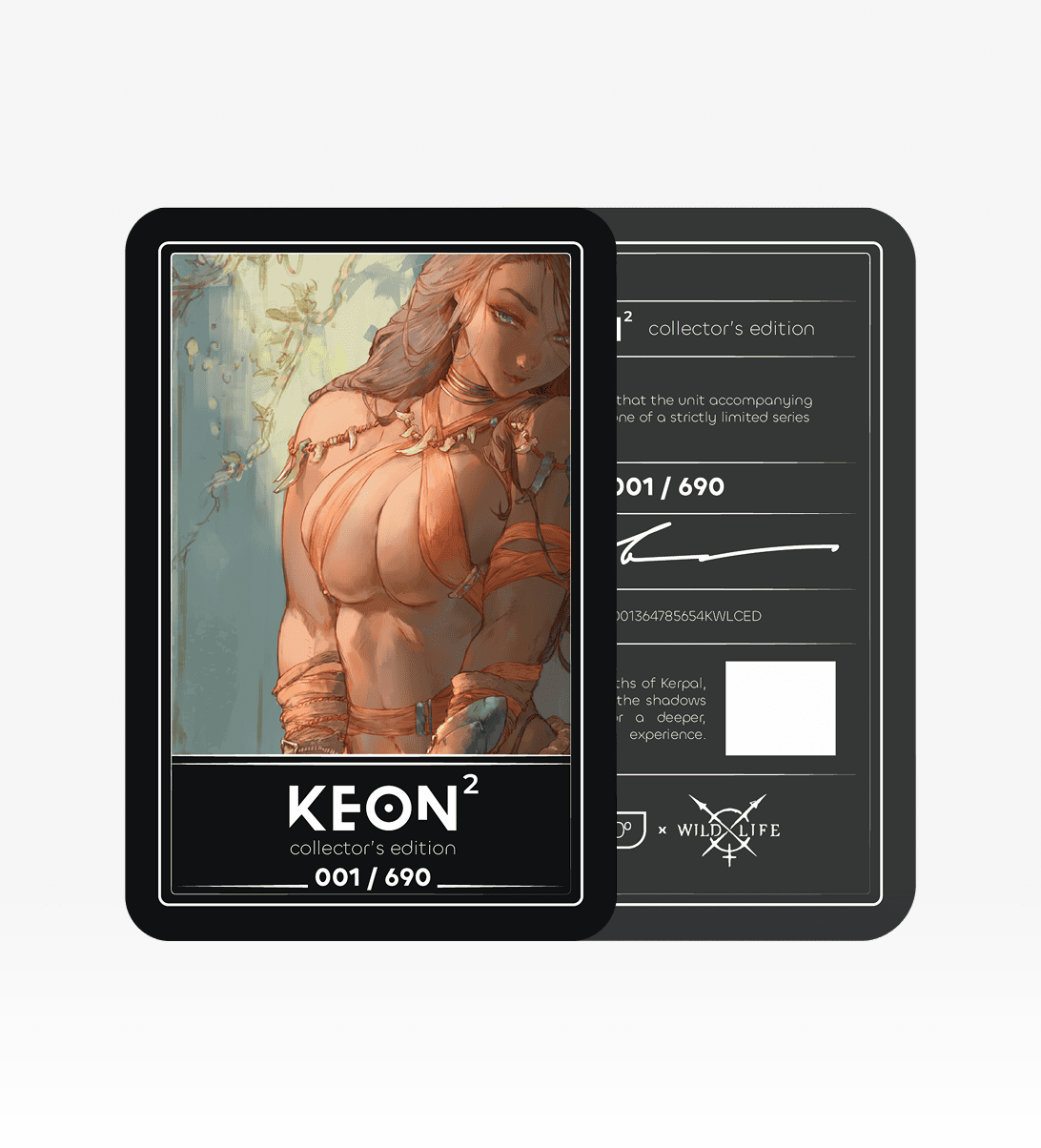
Engraved metal plate with your edition number
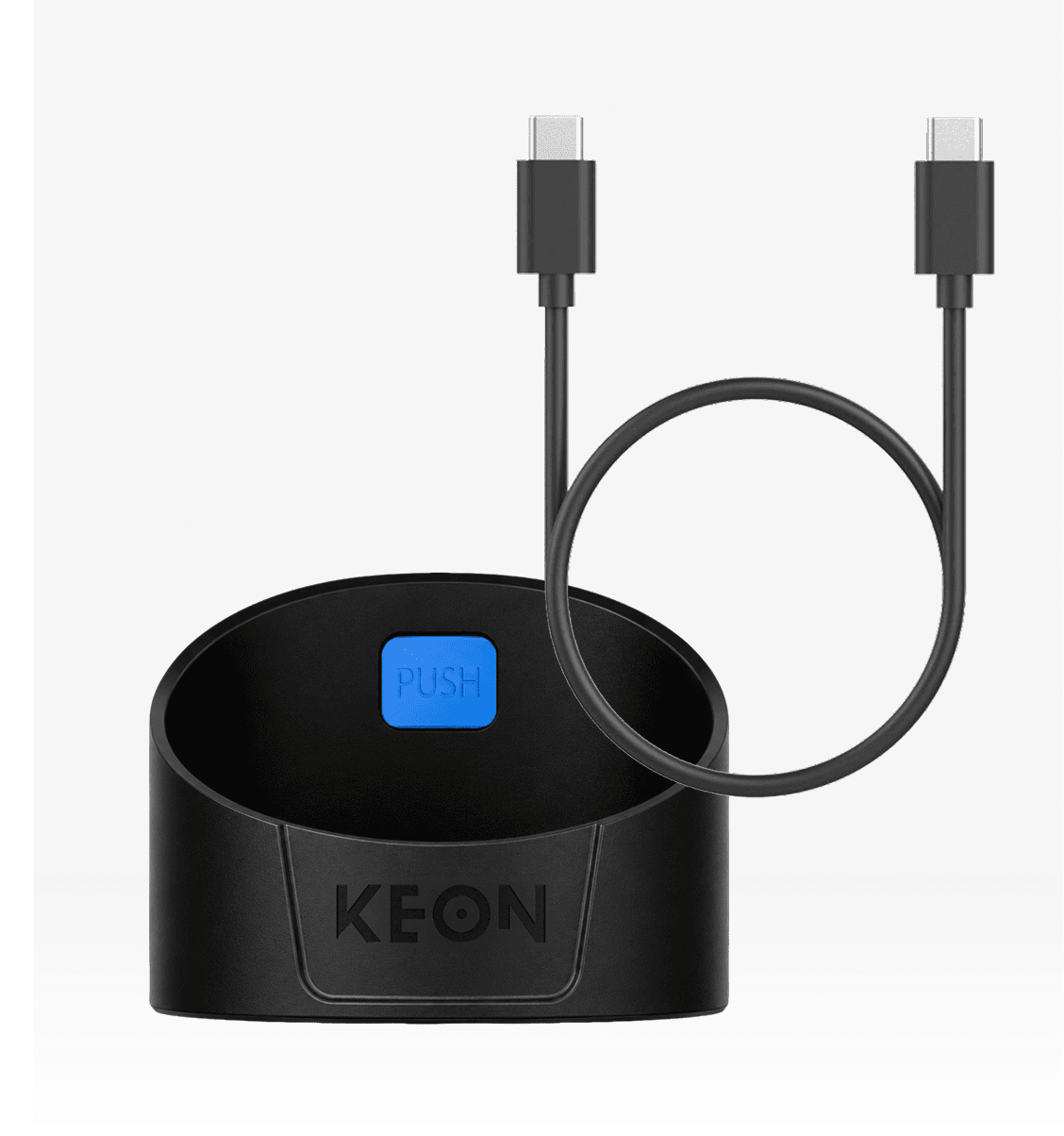
Charging cable and Keon-compatible accessories


Wildlife – FAQ
Does each device have its own number?
Yes. Each Keon 2 in this run carries one unique number out of 690 — shown on the device and engraved on a metal plate in the box. The Feel Maya stroker is also numbered and limited to this run.
Is the Feel Maya stroker really shaped from the character?
Yes. The proportions and anatomy are translated from the in-game model — not a generic stroker with Maya branding. It's why this collab needed the time it did.
Does the Keon 2 sync to gameplay?
Yes. Stroking action on screen drives the device in real time.
What happens when the 690 sell out?
This run is done. Future Wild Life × Kiiroo drops will happen — different products, different numbers, different finishes — but this configuration is retired.
Is this just a Keon 2 with a paint job?
It's the Keon 2 — Kiiroo's flagship stroker, the device we've spent years building. What this Collector's Edition adds is the Wild Life finish, the CuteSexyRobutts artwork, the Feel Maya stroker shaped from the character, the numbered plate, and the on-screen sync work. The hardware stays unchanged on purpose — it's the part everything else is built around.
Who did the artwork?
CuteSexyRobutts, drawn for this Collector's Edition — both on the device and on the box.