


Bring VR to life with Kiiroo.
VR puts you inside your favourite scene. Kiiroo lets you become truly part of it. With compatible interactive VR content, your toy receives signals based on the action, adding physical sensation to what you see.
As the scene changes, your toy responds. There’s no need to control it by hand while you watch. What you feel depends on your toy: Keon moves, PowerBlow creates suction and PowerShot vibrates.

A world of VR content to explore
There is much to discover beyond your first VR scene. When you want to bring interactivity into the experience, choose a scene that supports interactive toy sync and set up your Kiiroo toy.
As the scene plays, your toy responds. The connection method depends on your headset and the platform you use. For phone-based VR, you connect through the free to use FeelConnect app.
How does your Kiiroo toy connect to VR?
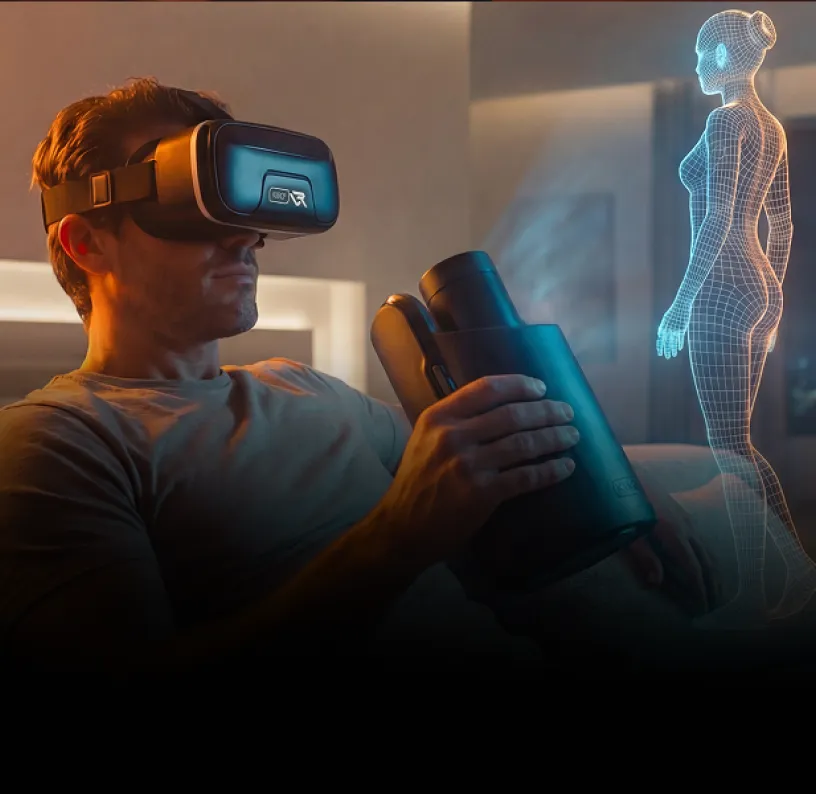
Phone-based VR
Slide your smartphone into a VR headset and watch compatible interactive content on your phone. FeelConnect is used to connect your Kiiroo toy in this setup.
Standalone VR headsets
Headsets such as Meta Quest and Pico run the VR experience on the headset itself. Interactive toy connections vary by content platform. Just follow the platform’s instructions.
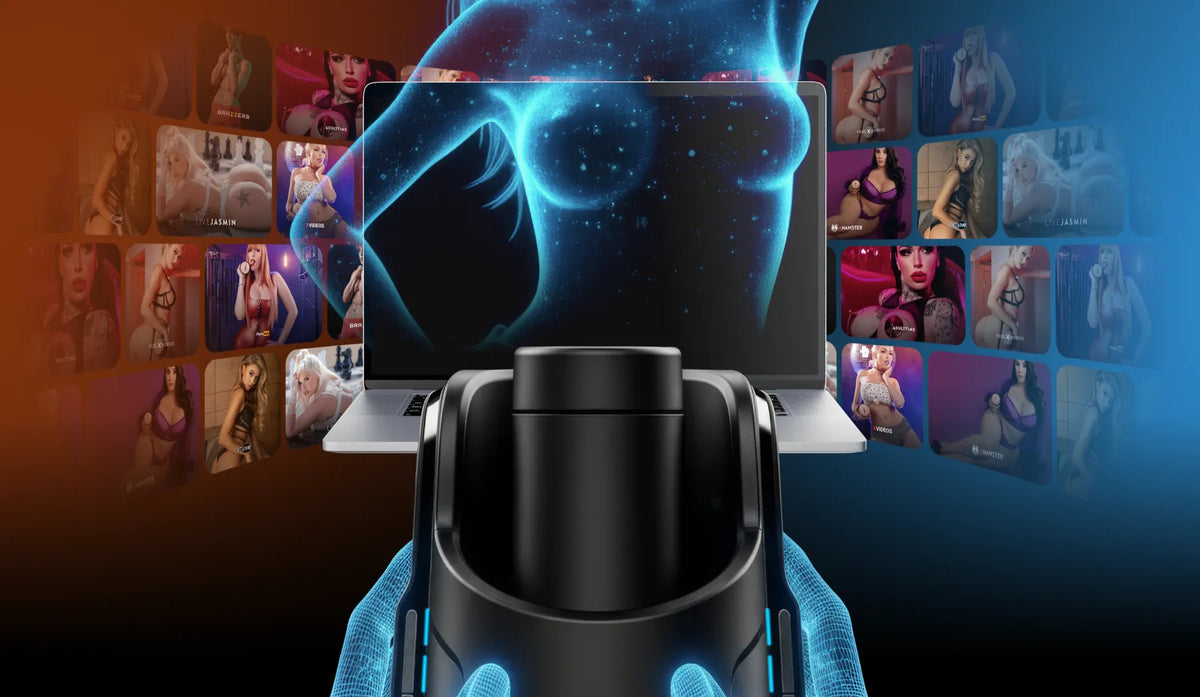
PC-based VR
A PC-based headset plays VR content through your computer. Choose a platform or player that supports interactive toys, then follow its connection instructions.
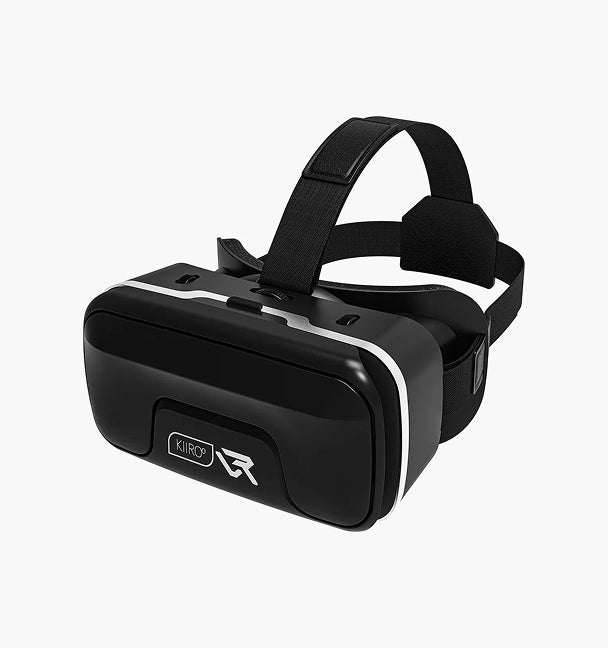
No headset yet?
The Kiiroo VR Box is the budget-friendly, smartphone-based option. Slide in your phone, connect through FeelConnect and press play.
How VR sync works with Kiiroo
Our app, our toys and our motion technology work together quietly in the background. You don’t notice the tech. You just notice how real everything feels.

Step 01
Choose your Kiiroo toy
Pick an interactive toy and the VR headset you want to use. Already have a Kiiroo toy and headset? You are ready to go.

Step 02
Connect your toy
For phone-based VR, you’ll generally use FeelConnect. For other headsets, follow the connection steps provided by your VR platform.

Step 03
Find Interactive VR Content
Explore VR on the world’s largest adult platforms. Choose a VR scene that supports interactive toy sync. Put on your headset and press play.

Step 04
Feel VR Come Alive
Your toy responds as the scene plays, with movement, suction or vibration depending on your device.
VR-compatible Kiiroo toys
VR feels different with every Kiiroo toy. The devices below bring stroking, suction or vibration to supported scenes.


Kiiroo’s newest hands-free masturbator brings stroking motion into VR. A longer stroke and wider speed range give the signal more room to move.


The original Keon turns an interactive VR signal into responsive stroking. Add a compatible stroker and let the content set the pace.

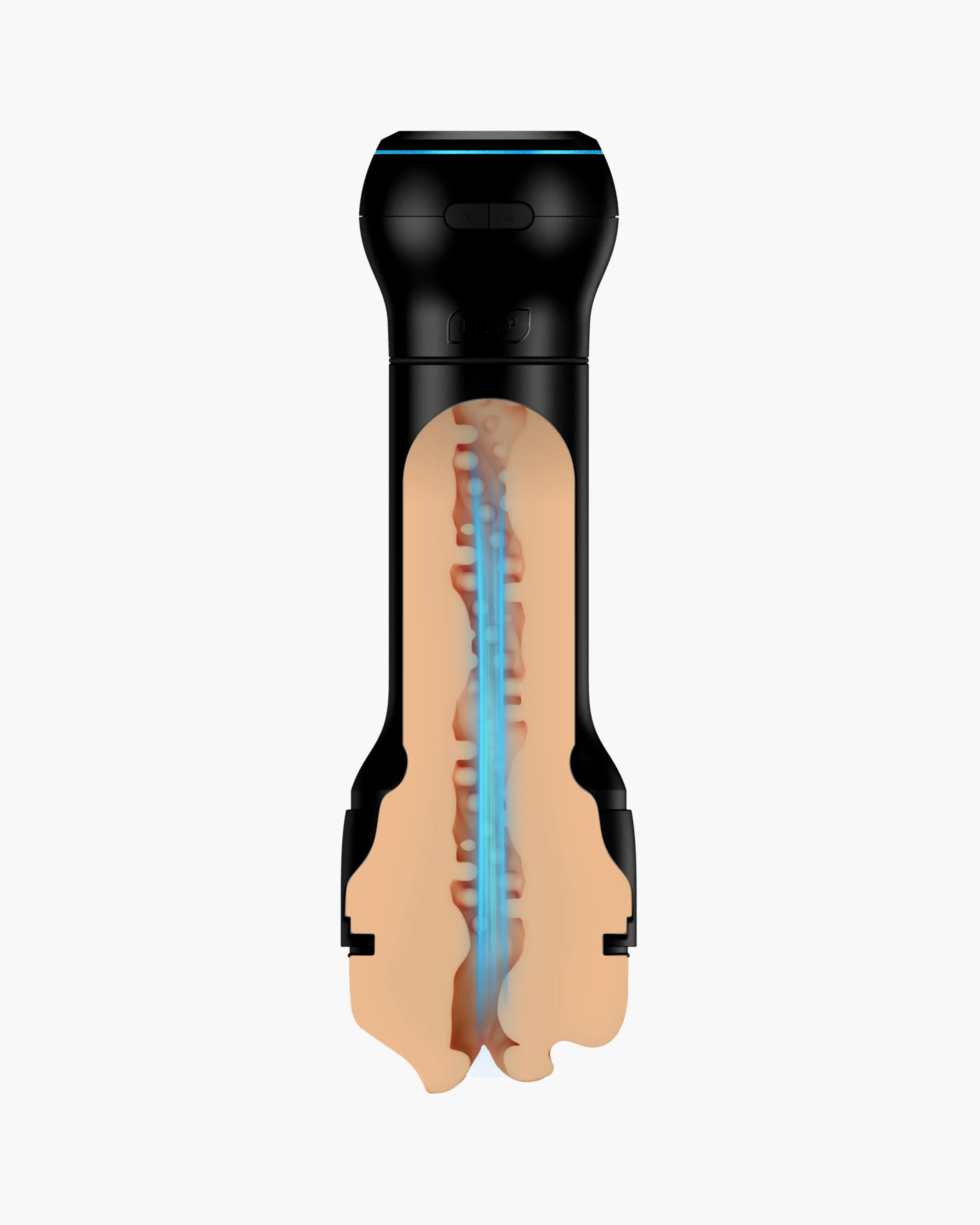

Bring responsive suction to supported VR scenes. PowerBlow connects independently, so you don’t need a Keon to use it.

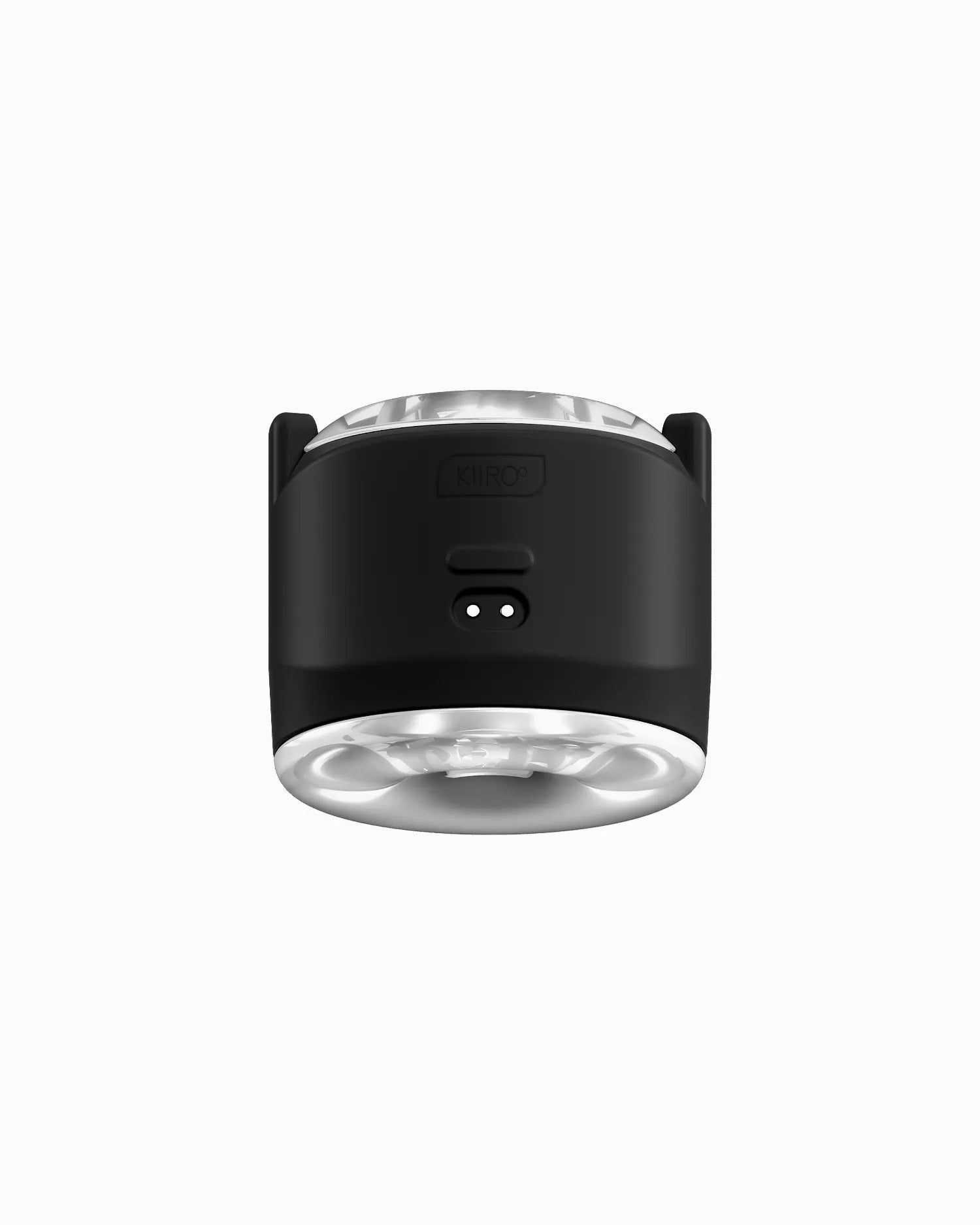

Responsive vibration patterns. Use it handheld, or pair it with the Stroker Case to combine with Keon and PowerBlow.
VR with Kiiroo — FAQs
What does VR with Kiiroo actually do?
With compatible interactive VR content, your Kiiroo toy receives signals based on the action in the scene. You watch through your headset while your toy adds movement, suction or vibration to what you see.
What’s the Kiiroo VR ecosystem?
It brings together your Kiiroo toy, the free FeelConnect app, a VR headset (or the Kiiroo VR Box) and VR platforms that support interactive toy sync. For VR videos without a script, FeelMe AI can create the signal for you.
Do I need the Kiiroo VR Box, or can I use my Meta Quest / PSVR?
You can use your own headset. Standalone headsets such as Meta Quest 2/3 and Pico 4 connect via supported VR platforms, and PC & console headsets such as Valve Index, HTC Vive and PSVR2 work through supported players and platforms. The Kiiroo VR Box is the budget-friendly option if you don’t have a headset yet.
Which Kiiroo toys work with VR?
Keon 2 and Keon bring stroking motion, PowerBlow adds suction and PowerShot adds vibration to supported VR scenes.
Do I need a subscription to use Kiiroo with VR?
No. FeelConnect is included free for life with every Kiiroo toy and works with interactive VR content. FeelMe AI is optional and only needed for VR videos that have no script. It is included free for one month with every Kiiroo toy.
Where can I find interactive VR content?
VR platforms such as SLR, VRBangers, BadoinkVR, VirtualRealPorn and POVR offer scenes with interactive toy sync.
Is there noticeable delay between VR and the toy?
No. FeelConnect is designed for real-time sync, keeping what you see and feel aligned.
Is VR with Kiiroo private and safe to use?
Your VR content plays on your own headset or phone, and your toy connects directly to your device. If you have questions about privacy or safe use, our support team is happy to help.