


A top-tier RPG crafted for adult pleasure
A bold, mature-audience action RPG set on the enigmatic planet Kerpal, where evolved human-animal hybrids roamand new arrivals bring curiosity, desire, and hidden intentions. Step into a world where every encounter feels chargedwith mystery and danger.


All the possibilities with Kiiroo x Wild Life
With Kiiroo toy support, Wild Life takes immersion one step further by turning key moments of combat and intimacy into responsive haptic feedback that you can feel in real time.


Compatible with Wildlife


Hands-free motion

Content, partner, more

PowerBlow & Strokers

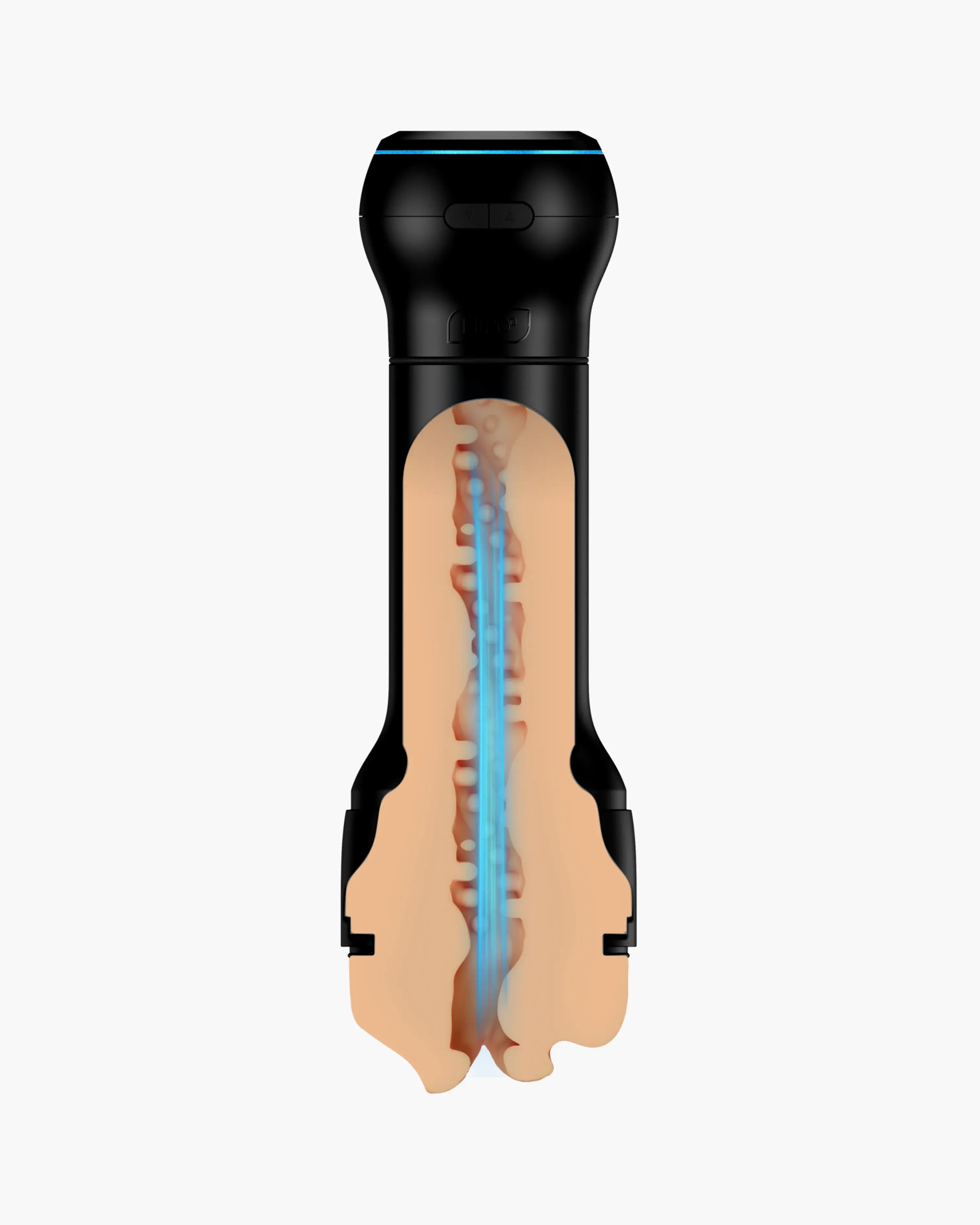

Real pleasure anytime

Adjust pressure & rhythm

Attach & expand

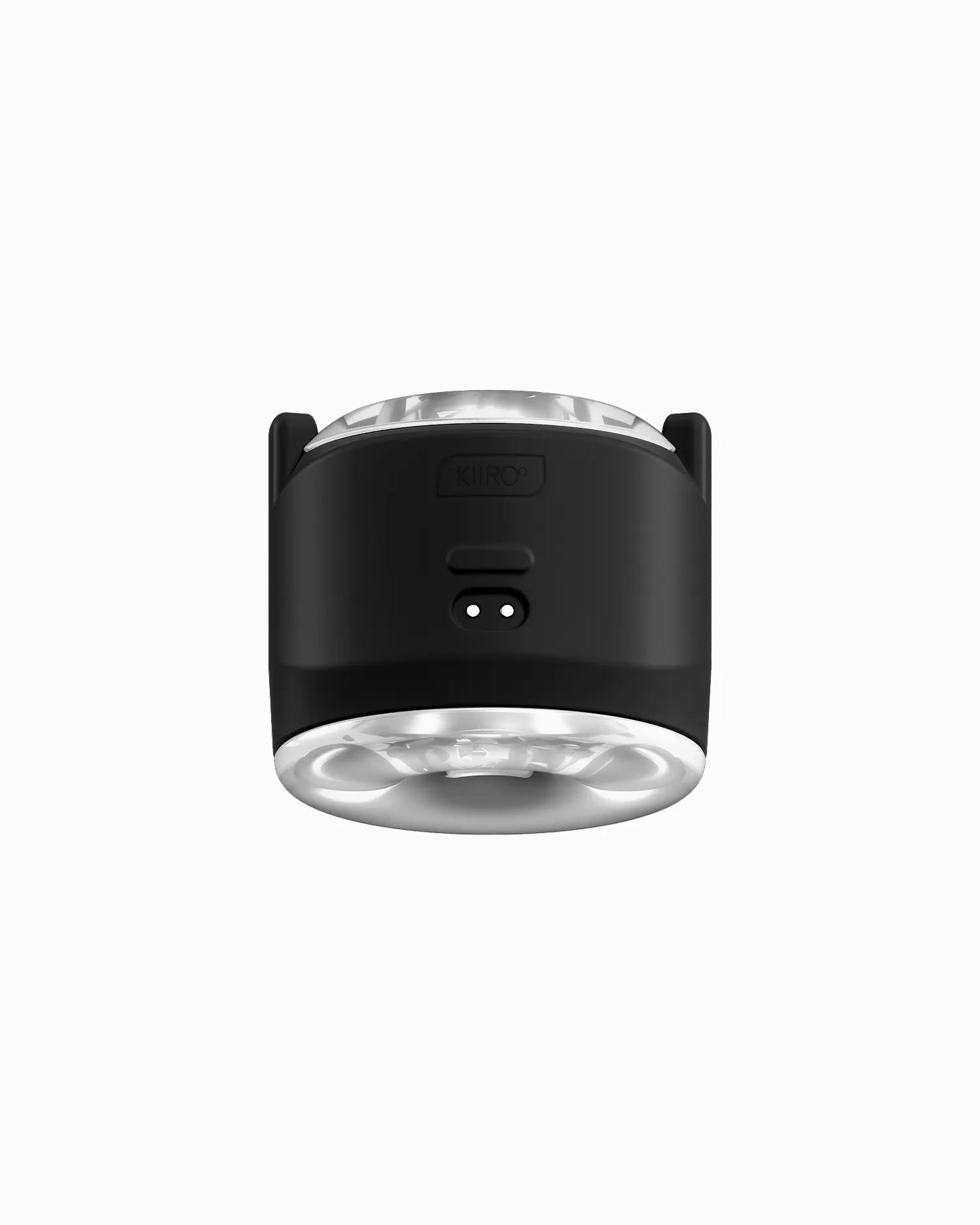

Independent motors
Connect to Keon & PowerBlow with the PowerShot Case

Last longer

Discover the Sandbox environment
Beyond the main story, a powerful sandbox mode lets players stage their own scenes with a large cast, hundreds of outfits and thousands of animation clips.
Built in Unreal Engine 5 for Windows PC, Wild Life aims to be a premium, story‑driven adult experience that combines high‑end visuals with deep player agency.
Wildlife – FAQ
How can I download the game?
The full game is scheduled for release in Q4 2026. In the meantime, you can join their Patreon to access the latest Unreal Engine 5 builds and ongoing updates: https://www.patreon.com/adeptussteve
Is the game free?
The game is not free. Years of hard work from the Candy Valley team have gone into making it what it is. But you can try it out first: the full Sandbox demo is available on Steam.
What is the Sandbox?
The sandbox is a creative mode where you can build your own scenes and environments, using a wide range of characters, hundreds of outfits, and thousands of realistic sex animation.
Does the game have furries?
The game introduces Kerpali, human–animal hybrid characters with rich emotional expression and complete free will. Fans of furry-style characters will find them very familiar.
The game introduces Kerpali, human–animal hybrid characters with rich emotional expression and complete free will. Fans of furry-style characters will find them very familiar.
Players connect their Kiiroo device to their Windows PC via Bluetooth (either directly or through Kiiroo’s companion/desktop software, depending on the device). Once the device is paired and active:
- The player launches Wild Life.
- Opens the Settings → Gameplay / Haptics menu.
- Enables “Interactive Toy Support (Kiiroo)”.
- Selects their device from a list of detected toys and runs a short test haptic feedback.
After that, Wild Life sends haptic commands automatically during supported scenes and gameplay moments.